

Addition & Subtraction
Overview
Section titled “Overview”The device can add or subtract consecutive measurements, saving you from manual calculations. This works with:
- Distance measurements
- Area calculations
- Volume calculations
Addition Mode
Section titled “Addition Mode”Add multiple measurements together.
-
Take first measurement
Measure your first distance/area/volume as normal.
-
Enter addition mode
Press + — a ”+” symbol appears on screen.
-
Take additional measurements
Each new measurement is added to the running total.
-
View total
The sum displays in the summary line.
Subtraction Mode
Section titled “Subtraction Mode”Subtract measurements from a total.
-
Take first measurement
Measure your first distance/area/volume.
-
Enter subtraction mode
Press U- — a ”-” symbol appears on screen.
-
Take measurements to subtract
Each new measurement is subtracted from the running total.
-
View result
The difference displays in the summary line.
Area Addition Example
Section titled “Area Addition Example”Calculate total floor area across multiple rooms:
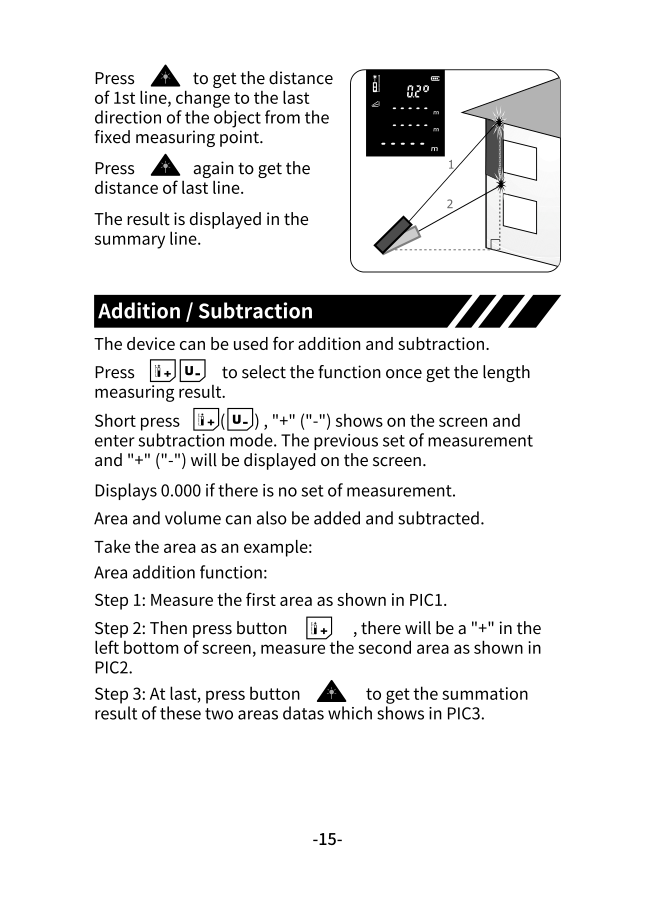
-
Measure first room
Enter area mode and measure length × width of Room 1.
-
Add second room
Press +, then measure Room 2 dimensions.
-
Get total
Press A after the final measurement to see the combined area.
Practical Example
Section titled “Practical Example”| Step | Room | Dimensions | Running Total |
|---|---|---|---|
| 1 | Living Room | 5m × 4m = 20m² | 20m² |
| 2 | Kitchen | 3m × 3m = 9m² | 29m² |
| 3 | Bedroom | 4m × 3m = 12m² | 41m² |
Volume Subtraction Example
Section titled “Volume Subtraction Example”Calculate usable volume after subtracting obstacles:
-
Measure total space
Enter volume mode and measure the full room (L × W × H).
-
Subtract obstacles
Press U-, then measure built-in cabinets, columns, etc.
-
Get usable volume
The result shows actual available space.
Quick Reference
Section titled “Quick Reference”| Button | Function | Symbol |
|---|---|---|
| + | Addition mode | + |
| U- | Subtraction mode | - |