

Data Storage
Automatic Storage
Section titled “Automatic Storage”The device automatically saves every measurement to internal memory.
| Feature | Specification |
|---|---|
| Capacity | 30 measurement groups |
| Auto-save | Every measurement saved automatically |
| Persistence | Data retained even when changing batteries |
| Overflow | Oldest data deleted when exceeding 30 groups |
Accessing Stored Data
Section titled “Accessing Stored Data”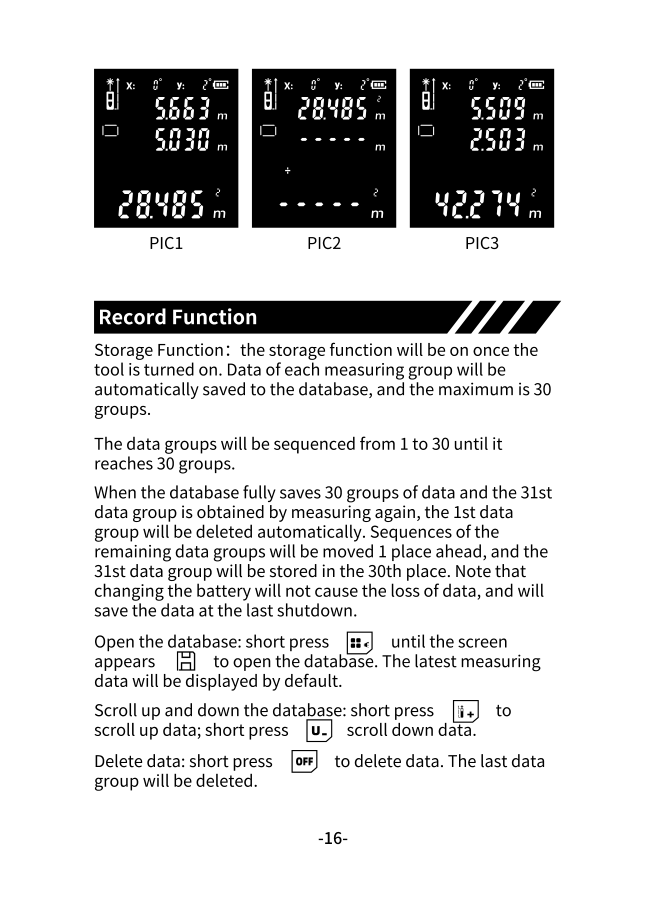
-
Open the database
Short press REC until the storage screen appears.
-
View latest measurement
The most recent measurement displays by default.
-
Navigate records
- Press + to scroll up (older records)
- Press - to scroll down (newer records)
Deleting Data
Section titled “Deleting Data”To delete the currently displayed record:
Short press OFF — the displayed data group is deleted.
Data Persistence
Section titled “Data Persistence”Your stored measurements are protected:
- Battery changes — Data is preserved when replacing batteries
- Power off — Data saved at last shutdown is retained
- Auto-shutdown — No data loss from timeout
Quick Reference
Section titled “Quick Reference”| Action | Button |
|---|---|
| Open storage | REC (short press) |
| Scroll up (older) | + |
| Scroll down (newer) | - |
| Delete current | OFF |
| Exit storage view | OFF (when at main) |
Bluetooth Sync
Section titled “Bluetooth Sync”With a connected Bluetooth model, you get:
- Unlimited cloud storage (vs 30 local)
- Export to CSV, PDF
- Share measurements directly
- Floor plan sketching
- Historical data access